How to Turn Any Song Into Guitar Tabs (Even When No Tab Exists)
No tab online, or one that sounds nothing like the record? Here are three ways to get an accurate guitar tab from any recording, and how to check it by ear.
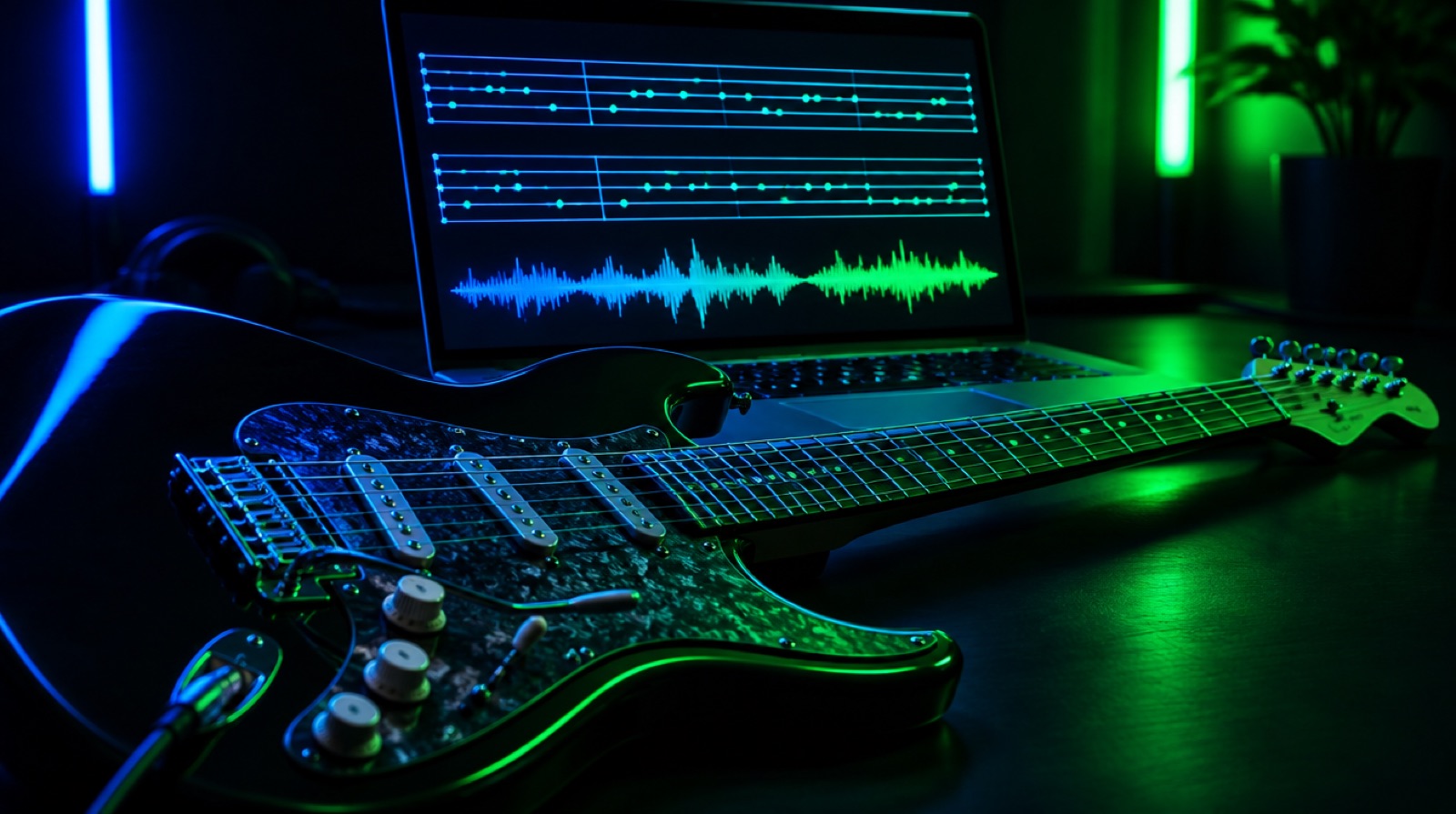
You found the perfect song. You grab your guitar, search for the tab, and get one of three results: nothing at all, a version with three chords that sounds nothing like the record, or a “tab” for the wrong part. If the artist is small, the song is new, or the guitar part is subtle, there is often no good tab anywhere.
The good news: you don’t need someone else to write it. In this guide you’ll learn three ways to turn any recording into guitar tab, from the old-school ear method to an AI tab generator that does the first draft for you in a couple of minutes. We’ll also cover how to check the result, because a tab is only useful if it matches what you hear.
Why so many tabs online are wrong
Most tabs on community sites are written by ear by other players. That’s generous work, but it comes with predictable problems:
- Simplified parts. A tricky voicing becomes an open chord, and a riff with slides and bends becomes plain fretted notes.
- Wrong position. The notes may be right, but played on a different string than the original, which changes the tone and makes the part harder to play at speed.
- Mixed-up guitars. Many songs have two or more guitar parts. A tab often blends the lead and rhythm parts into one, so neither matches the recording.
- Different tuning. The original might be in half-step down or drop D, and the tab is written for standard tuning without saying so.
So even when a tab exists, it’s worth knowing how to get your own from the actual recording.
Method 1: Transcribe the tab by ear
This is how every guitarist learned before the internet, and it’s still the best ear training there is. It’s also slow, especially for beginners. Here’s a workflow that keeps it manageable:
- Find the key. Hum the note that feels like “home” at the end of the song. Find it on your low E or A string. That’s usually the root of the key, and it narrows down which notes are likely to appear.
- Work in short chunks. Loop two to four seconds at a time. Trying to learn a whole verse in one go is the fastest way to give up.
- Slow it down, keep the pitch. A song speed changer lets you play the passage at 50–70% speed without making it sound lower, so you can still match notes on your guitar.
- Find the first note, then the shape. Once you have one note, look at what fits under your hand. Guitar parts are written by people with fingers, so riffs tend to stay inside a box or follow a scale shape.
- Write it down right away. Use tab notation (see our guide on how to read guitar tabs) so you don’t lose what you figured out.
Best for: building your ear, simple riffs and chord parts. Hard for: fast solos, dense mixes, two guitars playing at once.
Method 2: Isolate the guitar first, then transcribe
The biggest obstacle to hearing a guitar part is everything else in the mix. Vocals sit in the same frequency range as the guitar, the bass hides low notes, and cymbals cover the pick attack. If you remove those, a part that sounded impossible often becomes obvious.
A stem splitter separates a song into individual tracks called stems. With Omnes you get six: vocals, guitar, bass, drums, piano and “other”. Solo the guitar stem and you hear the part almost the way it was recorded. Then use Method 1 on the isolated track.
Tip: Mute only the guitar instead and play along with the rest of the band. It’s the fastest way to test whether your version actually fits the song.
If you want to know more about how separation works and where it struggles, read What are stems?.
Method 3: Use an AI guitar tab generator
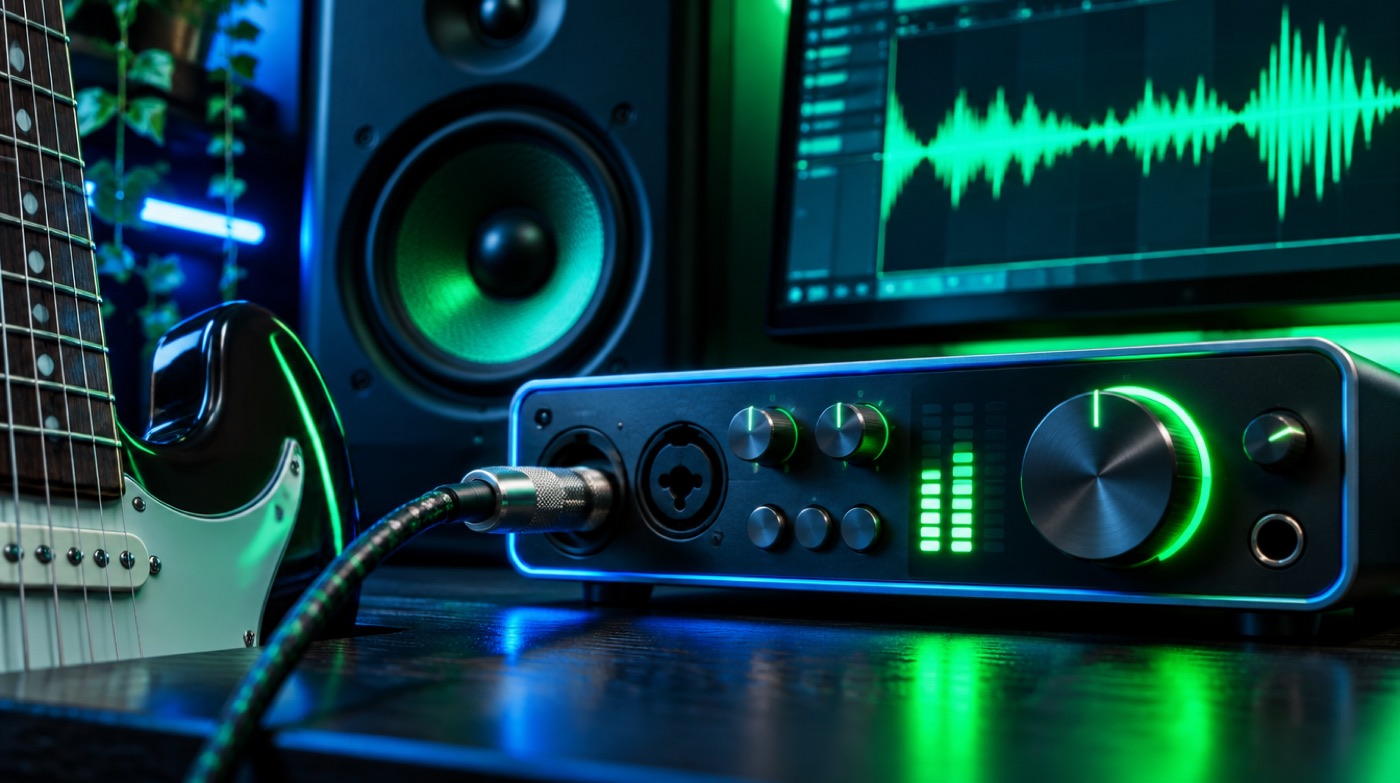
An AI tab generator does both steps for you: it isolates the guitar and transcribes each note, then picks a fret and string for every note so the result is playable. Instead of starting from silence, you start from a full draft and spend your time fixing and learning, not hunting for the first note.
Step by step with Omnes
- Upload the song. MP3, WAV, M4A, FLAC, OGG or AAC, up to 10 minutes. You can also paste a YouTube, TikTok or Instagram link.
- Omnes isolates the guitars and transcribes them. When the song has a lead and a rhythm guitar, each part gets its own tab, plus an “all guitars” view and the bass line.
- Play the tab with the recording. The cursor follows the audio. Slow it down, loop the bar that trips you up, and play along.
- Export. Download the tab as a PDF to print, or as a Guitar Pro file to edit.
What to expect from AI tabs
AI transcription has become genuinely useful, but it isn’t magic. Here is an honest picture:
| Song type | What usually happens |
|---|---|
| Clean or acoustic guitar, clear mix | Very good starting point. Most notes and rhythms are right. |
| Distorted rhythm guitar | Riffs and power chords come through well; very thick chords may lose a note. |
| Fast solos with effects | Good skeleton of the line; check bends, slides and very fast runs by ear. |
| Live recordings, lots of reverb | Usable, but expect more notes to fix. |
Treat the tab as an AI-detected draft from a very fast transcriber. Trust your ear on the hardest passages.
How to check any tab by ear
Whether a tab came from a website, a friend or an AI, run this quick check before you spend hours practicing it:
- Play along at full speed for one section. If it clashes, something is off. If it blends in, you’re close.
- Check the tuning first. If every note sounds a little sharp or flat against the record, the song is probably in a different tuning or slightly detuned. Use a guitar tuner and compare with the recording, or shift the song with a transposer.
- Compare the chord under the riff. Run the song through a chord detector. Riff notes usually belong to the chord underneath them.
- Watch the string choice. If a passage feels awkward, try the same notes one string higher or lower. The original player probably chose the easy way.
A simple practice plan once you have the tab
Getting the tab is step one. Turning it into something you can play takes a plan:
- Day 1: Learn the notes of one section at 60% speed. Don’t worry about tone or feel yet.
- Day 2–3: Loop that section at 75%, then 90%. Only speed up when you can play it three times in a row cleanly.
- Day 4: Play with the full song at 100%, with the original guitar muted so you take its place.
- Then: Move to the next section and connect them.
Short daily sessions beat one long weekend session. Fifteen focused minutes a day will get you further than a three-hour marathon.
The short version
If there’s no tab for the song you love, you can make one. Transcribe by ear to train your ear, isolate the guitar with stems to hear what’s really there, or let an AI tab generator write the first draft so you can spend your time playing. In every case, check it against the recording and trust your ear.
Frequently asked questions
Can I get guitar tabs from an MP3?
Yes. Upload the MP3 to an AI guitar tab generator such as Omnes and it isolates the guitar and writes the tab note by note. WAV, M4A, FLAC, OGG and AAC also work.
Is there a way to get tabs from a YouTube video?
Yes. In Omnes you can paste a YouTube, TikTok or Instagram link instead of uploading a file, and it creates the tab from the audio.
Are AI-generated guitar tabs accurate?
They are a strong starting point, especially for clear recordings. Dense mixes, heavy effects and very fast solos can produce a few wrong notes, so check the hardest passages by ear.
Can I open the tab in Guitar Pro?
Yes. Omnes exports tabs as Guitar Pro files and as PDF.
Can I try it for free?
Yes. You can start without a credit card, and the free plan includes one guitar tab and one bass tab every month. Exporting to PDF and Guitar Pro is part of Premium.